
Description
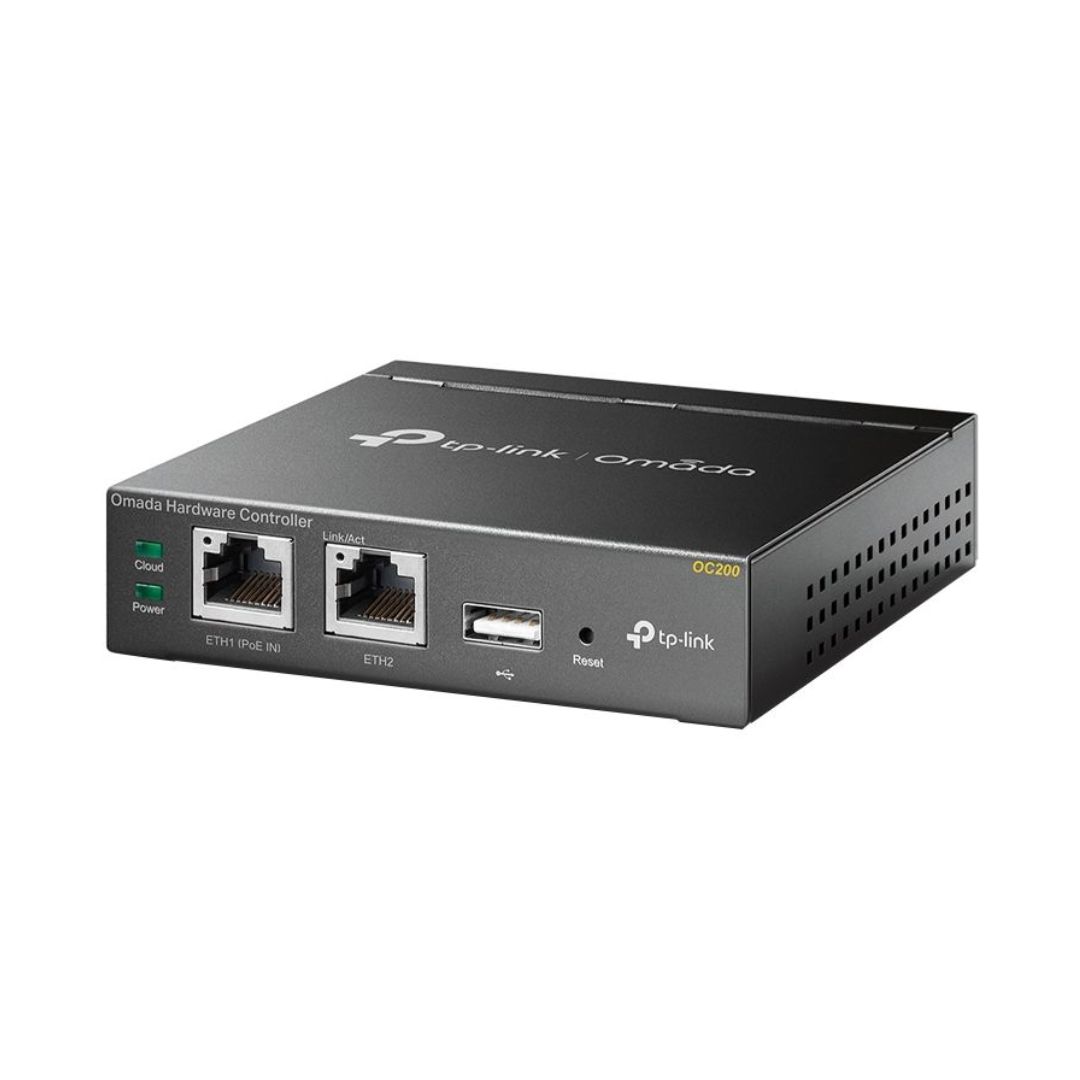
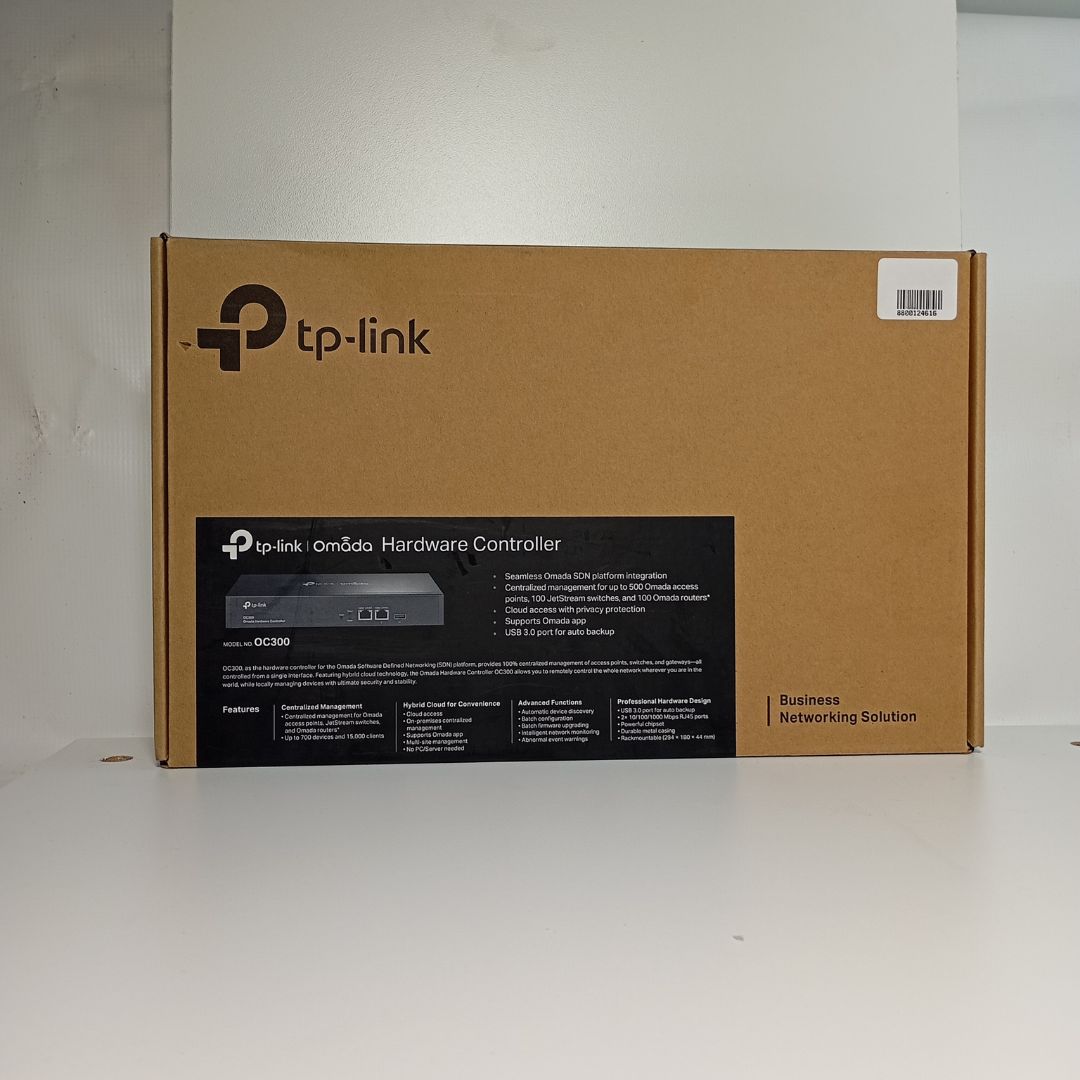
Professional centralized management for Wi-Fi networkFree cloud access to manage from anywhere, anytimePoE (802.3af/802.3at) supported for easy installationIndustry leading hardware design with powerful chipset, durable metal casing, and USB port for auto backupOmada App for a convenient managementSecure guest network with multiple login options(Facebook Wi-Fi, SMS login, Vourcher)HARDWARE FEATURESInterface 10/100Mbps Ethernet Portx2USB 2.0 Portx1Micro USB Portx1Power Supply 802.3af/at PoE or Micro USB DC 5V/Minimum 1A Dimensions ( W x D x H ) 3.9?3.9?1.0in. (100?98?25mm)FEATURESWireless Fuction L3 ManagementMulti-SSIDLoad BalanceBand SteeringAirtime FarinessBeamformingRate LimitWireless ScheduleQoSWireless Security Captive Portal AuthenticationAccess ControlWireless Mac Address FilteringWireless Isolation Between ClientsSSID to VLAN MappingRogue AP DetectionAP Management Automatic DiscoveryUnified ConfigurationReboot ScheduleBatch Firmware UpgradeLED ON/OFFAuthentication Captive PortalManagement FeaturesOmada App YesCentralized Management Up to 100 Omada access points, 20 JetStream switches, and 10 Omada routers Up to 1,000 ClientsNote: Please refer to www.tp-link.com/en/business-networking/all-omada/ to find all the device models supported by OC200Cloud Access YesL3 Management YesMulti-site Management YesManagement Features Automatic Device Discovery Batch Configuration Batch Firmware Upgrading Intelligent Network Monitoring Abnormal Event Warnings Unified Configuration Reboot Schedule Captive Portal ConfigurationOTHERSCertification CE, FCC, RoHSPackage Content Omada Cloud ControllerOC200Quick Installation GuideEthernet CableSystem Requirements Microsoft Windows 10, 8, 7,Vista , XP or MAC OS, NetWare , UNIX or LinuxEnvironment Operating Temperature: 0 ~40 (32 ~104 )Storage Temperature: -40 ~70 (-40 ~158 )Operating Humidity: 10%~90% non-condensingStorage Humidity: 5%~90% non-condensing What’s in the box
Omada Cloud Controller OC200
Quick Installation Guide
Ethernet Cable